
Download AirInduct Sim
Desktop
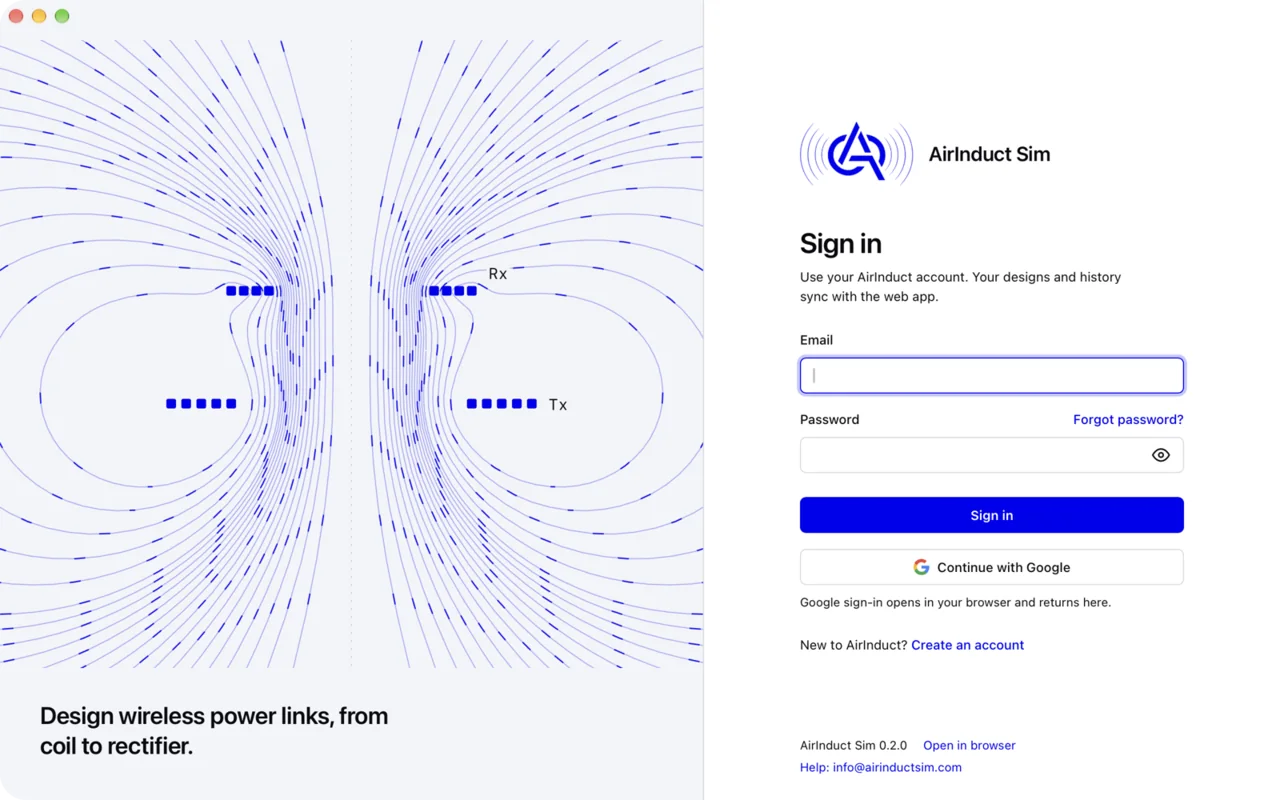
The full simulator in its own window, with native file saving and automatic updates.
All platforms
macOS
Apple Silicon (.dmg)M1 and later. macOS 11 or newer.DownloadIntel (.dmg)Intel Macs. macOS 11 or newer.DownloadVersion 0.2.0. All releases on GitHub or the changelog.
First launch
The installers are not code-signed yet, so your system asks you to confirm the first time you open the app. You only do this once.
- macOS
- Open the .dmg and drag AirInduct Sim to Applications. Control-click the app, choose Open, then Open again. On macOS 15 or newer, if there is no Open button, go to System Settings, Privacy & Security, and click Open Anyway.
- Windows
- Run the installer. If SmartScreen says Windows protected your PC, click More info, then Run anyway.
- Linux
- Make the AppImage executable with
chmod +x AirInduct-Sim_*.AppImage, then run it. Install the .deb or .rpm with your package manager.
System requirements
- macOS 11 Big Sur or newer, Apple Silicon or Intel
- Windows 10 or 11, 64-bit (WebView2 is installed if missing)
- Linux x86_64 with WebKitGTK 4.1: Ubuntu 22.04+, Debian 12, Fedora 38+
- 4 GB RAM, 8 GB for 3D field views, about 30 MB of disk
- An internet connection: simulations run on AirInduct servers
Prefer not to install anything? Open the web app.
Mobile
Run coil simulations on iPhone, iPad and Android, signed in with your AirInduct account.
Coming soonApp StoreComing soonGoogle Play
What the app does
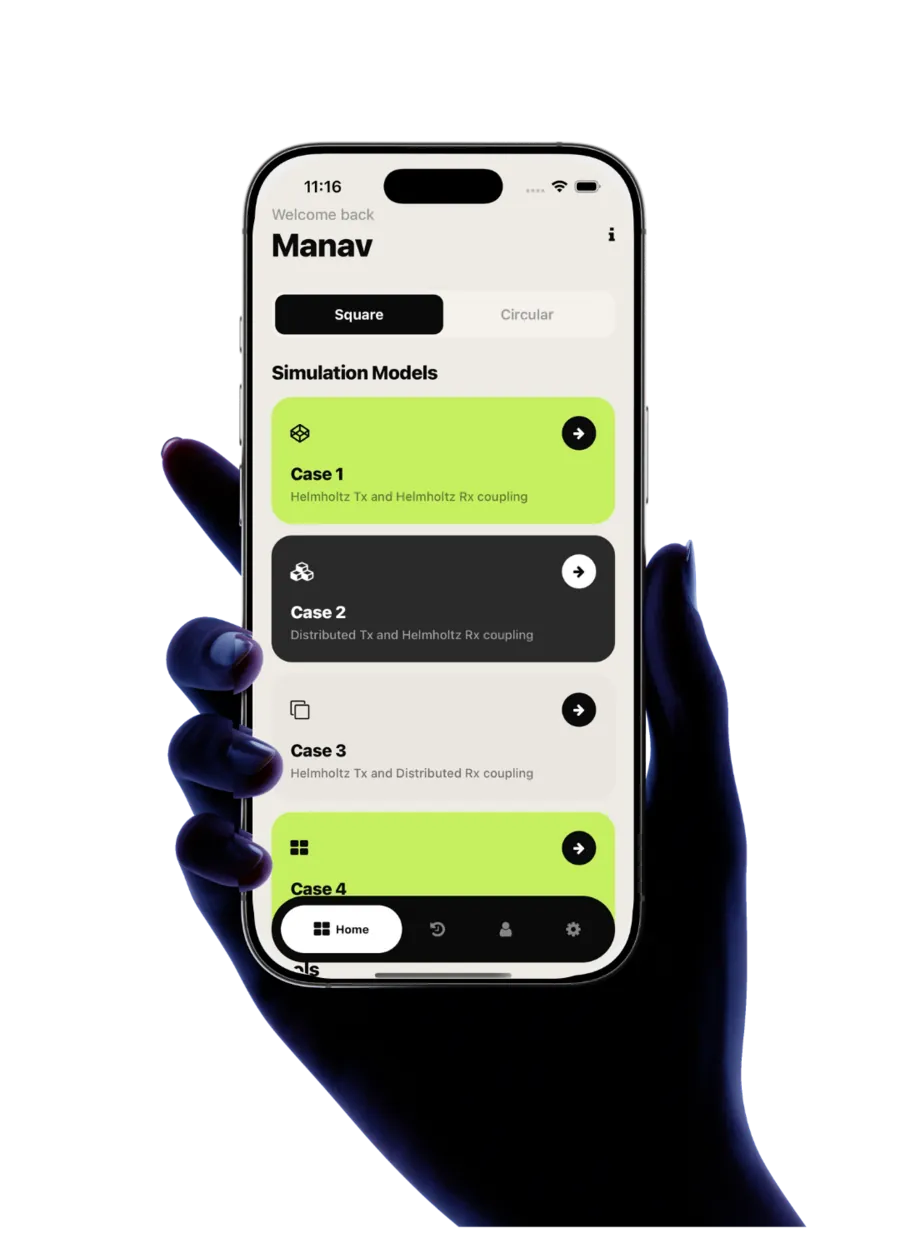
- Runs the AirInduct coil models on your phone: four square and four circular cases.
- Biot–Savart wireless power simulations with 3D field views.
- Signs in with the same AirInduct account as the web and desktop apps.
Requirements
- iPhone or iPad with iOS 15.1 or newer
- Android 7.0 or newer
Not on the store yet?
The web app works in your phone's browser in the meantime.